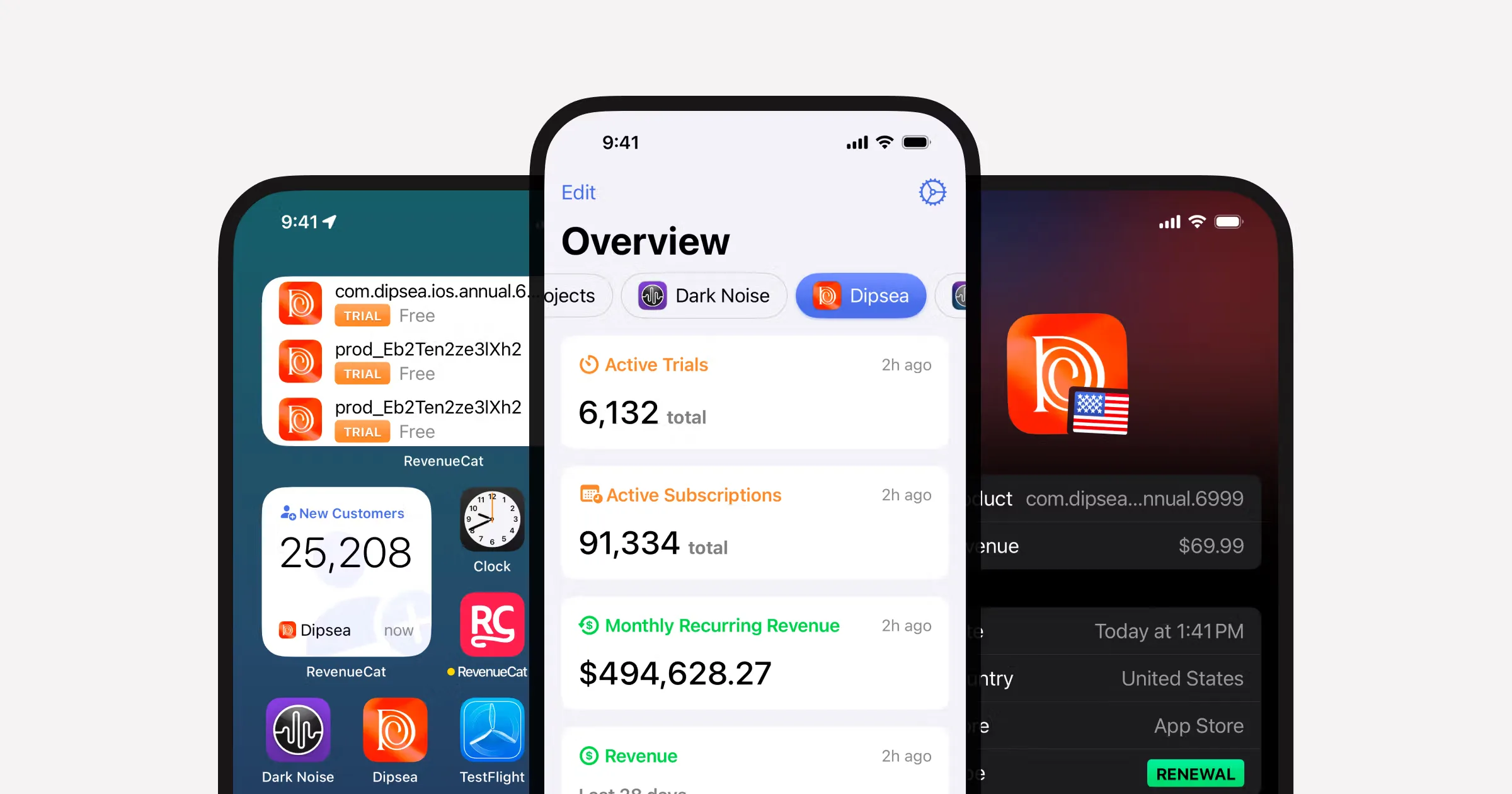
Subscriptions are not just a paywall screen. You need product setup, offerings, entitlement checks, restore purchases, graceful error handling, and a clean way to unlock premium UI.
Why RevenueCat is worth the abstraction
The store APIs are not the place most product teams want to spend time. RevenueCat gives you one layer that can answer the questions your app actually cares about:
- What plan is available to this user?
- What did they buy?
- Do they have access right now?
- Can they restore access on another device?
That is a much better surface area than wiring every store-specific edge by hand.
The implementation path that keeps things sane
Define products and entitlements first
Initialize RevenueCat early
Fetch offerings for the paywall
Gate premium UI using entitlements
Handle restore and account management
Edge cases that matter more than the happy path
How to think about paywalls
Your first paywall should answer three questions fast:
- What does the user get?
- What does it cost?
- What happens after they buy?
That sounds obvious, but many mobile paywalls spend more effort on animation than on clarity. Clarity wins.
| Feature | Shipnative | Others |
|---|---|---|
| Single source of truth for access | Entitlements | Often scattered across UI and store callbacks |
| Restore purchases path | Easy to forget | |
| Premium screen gating | Derived from state | Frequently duplicated per screen |
| Testable without launch-week chaos | Planned early | Usually bolted on late |
Web support changes the conversation
If your app also has a web surface, do not treat web billing as an afterthought. Users do not care whether the subscription originated in iOS, Android, or web. They care that access stays consistent.
That means:
- one mental model for premium state
- one place to read customer access
- one account surface that explains what the user can do next
If you want the web-specific version of that conversation, read Expo + RevenueCat Web Billing for React Native Apps.
Prompting AI to help with subscriptions
Implement RevenueCat in a React Native app.

Goals:
- Show current offerings in a paywall
- Purchase a subscription
- Restore purchases
- Expose entitlement status to the rest of the app

Constraints:
- Keep product IDs out of presentation components
- Do not duplicate premium access checks across screens
- Include loading, offline, and restore states
- Keep the API shape easy to mock in development

Return:
1. service layer
2. state shape
3. paywall component responsibilities
4. restore flow
5. QA checklist
The simplest winning setup
For most indie mobile products, the best setup is:
- RevenueCat for subscription state
- a small paywall entry component
- a central entitlement check
- one account screen for restore and billing management
That gets you from "we should monetize" to a working premium product without weeks of store-specific cleanup.
Shipnative ships with the subscription plumbing already in place, including RevenueCat integration, paywall components, and the surrounding state patterns that keep premium access readable.
Ship subscriptions without store-week panic
Shipnative includes RevenueCat wiring, paywall primitives, and the account flows you need to launch paid access cleanly.
Get Started Now