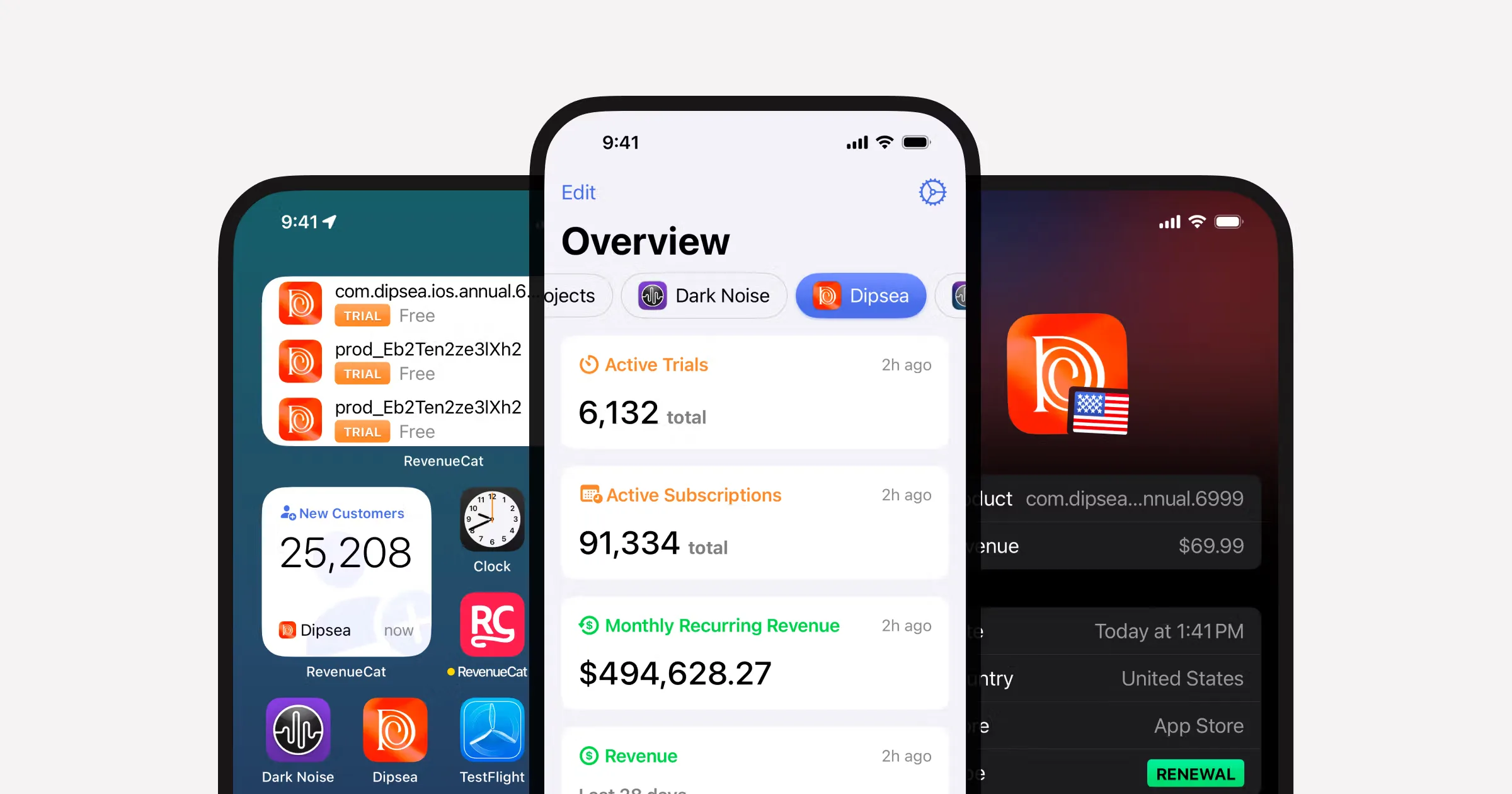
RevenueCat's web billing stack is no longer something to tack on at the end. The current docs support hosted web purchase flows, web paywalls, and checkout flows through the web SDK, which changes how a serious multi-platform app should be planned.
If your React Native app also lives on the web, you should stop thinking in "mobile purchases plus some web fallback."
That mental model breaks down fast.
Your users do not care where they subscribed. They care whether premium access follows them.
The clean mental model
Think in this order:
- Entitlements define access.
- Offerings define what can be bought.
- Native SDKs handle mobile purchase flows.
- Web billing handles the browser purchase flow.
- The app reads the same customer access state no matter where the purchase started.
That is the whole game.
If the entitlement model is clean, the platform differences are manageable. If the entitlement model is sloppy, the whole thing becomes support debt.
What RevenueCat supports on the web today
According to the current RevenueCat docs and release notes, web billing now supports:
- hosted Web Purchase Links
- web paywalls
- checkout through the web SDK
- one-tap checkout options on the web
That matters because you no longer need to fake a "contact us for web billing" story if your product clearly wants browser-side conversion.
The two sensible web billing approaches
1. Hosted RevenueCat web purchase flow
This is the quickest route.
It makes sense when:
- you want web billing live quickly
- you do not want to own checkout UI details yet
- you are happy with a hosted purchase flow
2. Web paywall inside your own experience
RevenueCat's docs now support this too through the web SDK and web paywall flow.
This is the better move when:
- design consistency matters
- you want the paywall inside your app or marketing site
- you care about a tighter upgrade funnel
The architecture I would actually use
For an Expo / React Native product with web support, I would split it like this:
react-native-purchasesfor iOS and Android@revenuecat/purchases-jsfor web- one shared entitlement language in the product
- one account area that explains what the user can manage
- one clear premium state model for the rest of the UI
The repo already reflects that shape by carrying both the native and web RevenueCat packages.
What changes on web that teams forget
RevenueCat's own web paywall docs call out a few important differences:
- screen widths vary much more than mobile
- some mobile-specific elements do not exist in the same way on web
- the web flow has its own checkout behavior and post-purchase paths
One example straight from their docs: the restore-purchases link is not shown on web the way it is on mobile.
That sounds small, but it tells you something important:
Do not assume your mobile purchase UX maps one-to-one onto the browser.
What a clean cross-platform setup looks like
Where people make this harder than it needs to be
They design around packages instead of access
Your app should care about:
- free
- pro
- team
- premium feature unlocked
It should not care whether a user bought annual_pro_usd_v4_web versus pro_monthly_ios_intro.
That translation belongs in the billing layer.
They bolt web billing on after launch
If web is part of the product, web billing should be part of the architecture before you polish the paywall.
Otherwise you end up rewriting:
- account screens
- entitlement checks
- purchase CTAs
- upgrade copy
They assume the browser is just "mobile, but wider"
It is not.
Web users compare tabs, skim harder, and bounce faster. Your browser-side paywall has to earn its keep more quickly.
My practical recommendation
If you want the cleanest path:
- use RevenueCat entitlements as the source of truth
- use the native SDK for native purchases
- use web paywalls or a hosted web purchase flow for the browser
- keep the product reading access from one shared mental model
That lets you build one premium product instead of three slightly different subscription stories.
If you are still sorting out the broader starter decision, read Best React Native Boilerplate in 2026.
If you are choosing between backends at the same time, read Supabase vs Convex for React Native MVPs.
Make web billing part of the product, not a patch
Shipnative already includes the native RevenueCat path and the surrounding product structure. That makes it much easier to add a real web billing story without turning premium access into a mess.
Get Started Now